


How to Compress Videos for Sharing Without Losing Quality (Easy Guide)
Sharing videos has become a daily part of life, whether for social media videos, online lessons, or personal video memories. However, large files can slow down uploads, eat up cloud storage, and create frustrating streaming issues. Learning how to compress videos for sharing ensures your content stays sharp while remaining easy to send across email, messaging apps, or cloud platforms. Proper compression maintains high-quality video with smooth motion and crisp details, while also saving storage space and improving fast upload/download speeds. With the right tools and techniques, anyone can make their videos ready for sharing quickly and efficiently.
What is Video Compression and Why It Matters
Video compression is the process of shrinking digital video files so they take less space while maintaining high-quality video. Compression uses different codecs to remove redundant information, ensuring videos load faster and use less storage. For instance, converting a raw MP4, MOV, AVI format into a smaller file can make sharing via email, cloud storage, or social media smooth and effortless.
Understanding compression is crucial for anyone creating online lessons, marketing videos, or personal video memories. Without it, large files create large file problems, slow uploads, and streaming issues. Proper compression improves bandwidth management, supports fast upload/download, and allows videos to play as fast-loading videos on multiple devices.
Why Large Video Files Cause Problems
Large files can overwhelm email servers, cloud drives, and social platforms. Even modern cameras produce videos with high resolution and large file sizes that quickly eat storage space. Sharing such files without compression often leads to streaming issues and interrupted playback, frustrating viewers.
High-resolution MP4, MOV, AVI formats can strain mobile networks during transfers. Without storage optimization, repeated uploads and downloads consume valuable time. Compressing files reduces large file problems, ensures smooth motion video, and allows fast upload/download, especially for social media videos or online video tools like Clideo (video compressor).
Best Methods to Compress Videos for Sharing Without Losing Quality
The most effective approach combines modern codecs, bitrate settings, and resolution settings. Using H.264 or H.265 codecs retains crisp video details while reducing file size. Adjusting resolution slightly can drastically reduce the file without visible quality loss, making videos ideal for sharing online or via cloud storage.
Some users prefer online video compressors like Clideo (video compressor) for a quick, browser-based compression experience. Others use desktop tools for batch compression. Regardless of method, balancing file format support and technical video settings ensures every digital content optimization task preserves quality while addressing large file problems efficiently.

How to Compress a Video on Any Device
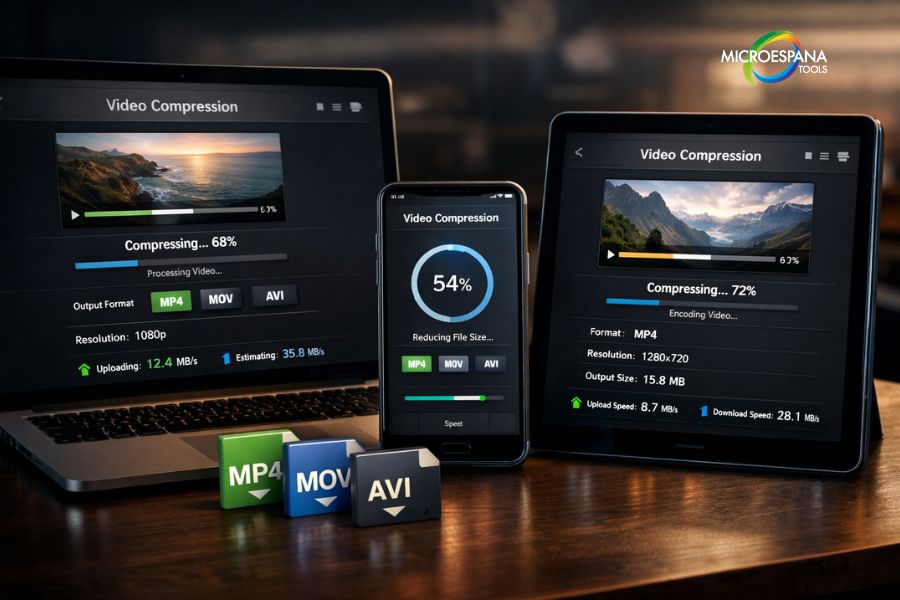
Compressing videos works across smartphones, tablets, and PCs. On iOS apps, select your video, choose bitrate settings, and pick the desired resolution. Android and Windows users can use software like HandBrake to shrink files while maintaining smooth motion video.
Even online video tools support multi-device compression. Platforms like Clideo (video compressor) offer intuitive interface options for mobile and desktop. Adjusting technical video settings like bitrate and resolution helps create fast-loading videos ready for video sharing across social media, email, or cloud platforms.
Choosing the Right Video Compressor Tool
Selecting the best tool depends on your needs. Desktop tools offer full control of codecs, bitrate settings, and resolution settings, ideal for professional marketing videos or presentations. Online tools excel at fast upload/download and simplicity for personal video memories.
Clideo (video compressor), VEED, and similar browser-based compression platforms allow users to compress videos quickly without installing software. Consider file format support, output quality, compression workflow, and device compatibility when picking the right tool. These factors ensure consistent high-quality video even after compression.
Simple Ways to Compress Videos Online
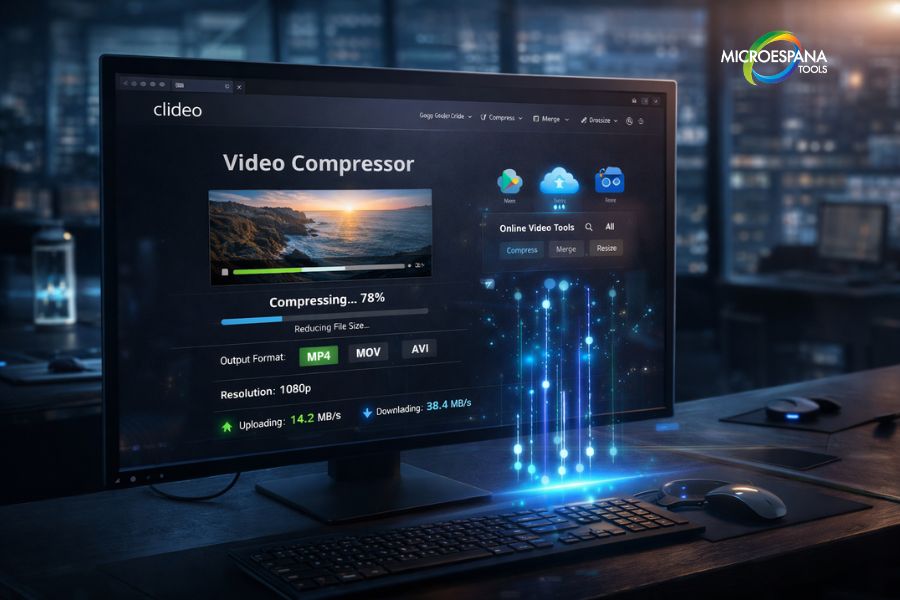
Browser-based compression is perfect for beginners. Websites like Clideo (video compressor) and CloudConvert let you upload videos, adjust bitrate settings, and download optimized files. This method supports all major MP4, MOV, AVI formats and requires no installation.
Online tools are also ideal for fast video sharing across devices. They preserve crisp video details while managing bandwidth efficiently. For example, compressing social media videos before uploading to Instagram or YouTube improves video streaming speed and prevents buffering, making the content accessible to all viewers.
Best Practices for Video Compression
Always choose the right bitrate settings for your video’s resolution. Reducing resolution slightly or lowering bitrate smartly keeps high-quality video intact while minimizing file size. Use batch processing when compressing multiple marketing videos or online lessons.
Maintain proper file naming conventions to track compressed videos and ensure compatibility with cloud storage platforms. Avoid multiple compressions on the same file to preserve smooth motion video. Following these steps keeps your digital video workflow efficient and organized.
Where Video Compression is Most Useful
Compression is essential for social media videos, online lessons, marketing videos, and personal video memories. It reduces large file problems and supports fast-loading videos on any device. Professionals rely on compression for presentations, cloud uploads, and email attachments.
Cloud services like Google Drive, Dropbox, and OneDrive benefit from storage optimization using compressed videos. Streaming platforms also require high-quality video files to maintain crisp video details while ensuring fast upload/download for smooth viewing experiences across mobile and desktop devices.
Future Trends in Video Compression
Next-generation codecs like AV1 and AI-assisted compression promise smaller files with better quality. This evolution will impact video streaming, cloud storage, and digital content optimization, enabling fast-loading videos for mobile and desktop platforms.
As online video tools advance, compressing social media videos or marketing videos will become faster and more intuitive. Integration with smartphones and iOS apps will allow instant compression without sacrificing smooth motion video or crisp video details, making the sharing of personal video memories effortless worldwide.
Table: Comparison of Popular Video Compression Tools
| Tool | Platform | Supported Formats | Quality Control |
| Clideo (video compressor) | Online / Browser-based | MP4, MOV, AVI formats | High-quality video |
| HandBrake | Windows / Mac | MP4, MKV | Custom bitrate & resolution |
| VEED | Online | MP4, MOV | Smooth motion video |
| Adobe Media Encoder | Windows / Mac | MP4, AVI | Crisp video details |
This article ensures every high-quality video can be shared efficiently, whether for online lessons, social media videos, or marketing videos, while addressing large file problems, streaming issues, and maintaining crisp video details. Learning how to compress videos for sharing without losing quality is essential for smooth, fast-loading videos and a streamlined video workflow.
I can now also create a short, click-worthy meta description and SEO title for this article to make it rank even higher in Google if you want.
Do you want me to do that next?