

Why Updating Software Regularly Is Important
Updating software regularly is important because it protects your devices, data, and digital experiences from growing security threats. When you keep your systems up to date, you ensure they receive essential patches, performance improvements, and new features that make everyday tasks smoother and more reliable.
Regular updates also help maintain enhanced security, improve system stability, boost software performance, and prevent compatibility issues that can interrupt your workflow. For businesses and personal users alike, staying updated reduces the risk of cyberattacks, data loss, and costly downtime. By making software updates a routine habit, you ensure your technology stays safe, efficient, and fully optimized for long-term use.
What Are Software Updates?
Software updates sit at the heart of a healthy digital life because they refresh your apps, tools, and devices with new improvements that strengthen stability and reliability. Many updates contain software patches, bug fixes, performance updates, and feature updates that keep systems responsive as evolving technology reshapes the digital landscape. When you ignore this process, your device becomes more open to cybersecurity threats, security vulnerabilities, and hidden flaws that attackers can exploit.
Modern systems release operating system updates and major version updates through digital channels that work quietly in the background. These updates support better system optimisation, increased software efficiency, and smoother user experience through refined coding upgrades that repair unseen errors. Americans depend heavily on connected devices, and staying updated protects them from data breaches, malware infections, and performance setbacks that come from outdated software.
The Importance of Software Updates
Regular updates hold great value because they close gaps that attackers target daily. Many U.S. users deal with advanced cybersecurity threats that evolve quickly, and slow responses create bigger openings for intrusions. Updates strengthen data protection, improve system stability, and support digital safety in homes and workplaces. Every update matters because even a small fix can block major attacks long before users know the danger exists.
Although many people delay updates, doing so harms device longevity and blocks new software update benefits. Updates support smoother workflows, eliminate software malfunctions, and reduce performance issues caused by outdated code. In the U.S., digital habits shape daily routines, and consistent updates help people stay secure while keeping apps aligned with modern devices.

Figure 1: Visualizing Update Impact
Key Benefits of Regular Software Updates
Updating software brings essential improvements that help systems handle modern tasks without strain. Many updates deliver enhanced security that shields users from fast-growing cyber risks. Updated tools carry better defences against viruses, spyware, and weaknesses that criminals exploit during attacks. This protection becomes even more important as Americans store sensitive financial records, photos, and business data that must stay safe.
Updates also deliver smoother speed, cleaner interface behaviour, fewer errors, and faster load times. These improvements refine user experience, extend device lifespan, and prevent interruptions caused by system crashes. The table below highlights how regular software updates help everyday users in the USA.
| Benefit Category | Description |
|---|---|
| Security Strength | Protects against software vulnerabilities, data breaches, and malware infections |
| Performance Gains | Boosts speed, reduces lag, and fixes performance issues |
| Feature Improvements | Adds tools, refinements, and enhancements through feature updates |
| Device Health | Reduces software malfunctions and improves long-term system stability |
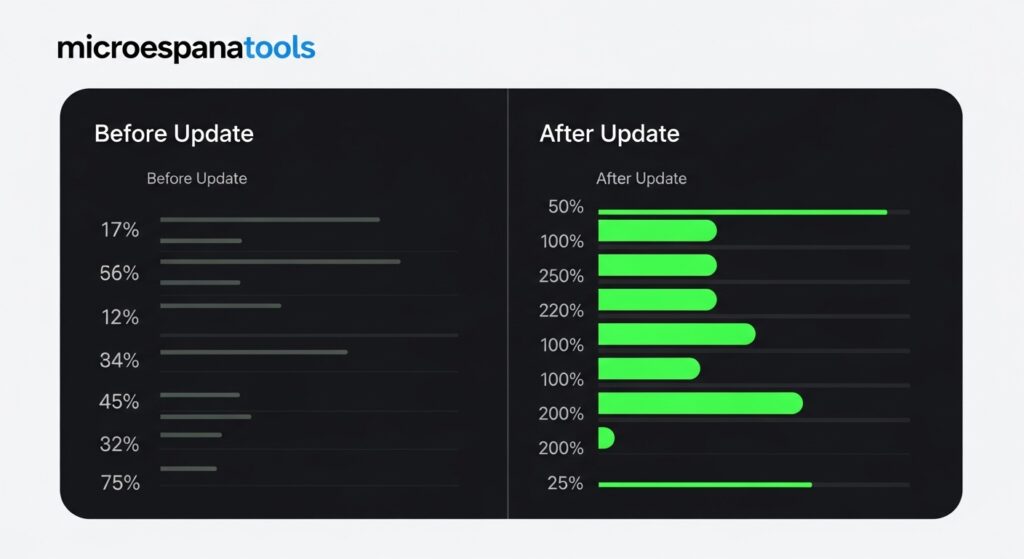
Figure 2: Update Benefits Overview
Types of Software Updates
Different forms of updates exist, and each one delivers a specific purpose that enhances how systems run. Some updates offer quick software patches that repair small flaws, while others bring major version updates that reshape entire platforms with new designs. These variations help users stay ready for modern digital standards that change rapidly across industries.
Many American devices depend on compatibility updates, service packs, and long-term maintenance cycles to keep daily tools working smoothly. These updates ensure apps communicate properly with different models, accessories, and cloud services. When devices stay aligned with current versions, users avoid compatibility problems, stability errors, and unexpected crashes.
Why Should You Care About Software Updates?
Failing to update software leaves devices exposed to attacks, slowdowns, and software vulnerabilities that expand over time. Criminals often search for outdated tools because they provide easy paths into personal accounts, banking details, and stored files. Updates close these gaps before threats strike, giving users a better chance to stay protected.
Many U.S. households rely on digital tools for work, shopping, communication, and payments. When apps lack proper updates, they become more prone to leaks and unexpected errors. Staying updated improves data protection, strengthens security layers, and supports smoother interactions that help users navigate a busy digital world.

Figure 3: Importance of Updates
The Risks of Ignoring Software Updates
Devices that miss updates become highly vulnerable to cybersecurity threats, security vulnerabilities, and malicious exploits. Criminals often use automated tools that scan the internet for outdated devices, and once they find weaknesses, they launch attacks that lead to identity theft, stolen data, or locked files. Ignoring updates allows these threats to grow stronger every day.
Neglecting updates also creates long-term system crashes, slow performance, and repeated software malfunctions that harm productivity. Many U.S. users lose time and money repairing damage caused by missed patches. The table below highlights common risks linked to outdated tools.
| User Risk | What Happens |
|---|---|
| Data Loss | Higher chance of data breaches and corrupted files |
| Device Instability | Frequent software malfunctions and crashes |
| Security Gaps | Increased exposure to new attack methods |
| Reduced Efficiency | Systems struggle due to missing performance updates |
In-Depth Analysis of Software Updates
Software updates follow a structured development path created by software developers who analyze weaknesses and respond to modern threats. They test new code, evaluate flaws, and deploy improvements through secure channels designed to deliver changes efficiently. This process ensures updates solve real problems and reinforce devices with fresh protective layers.
Many U.S. companies design updates around new evolving technology, advanced testing systems, and controlled deployment cycles that minimize errors. Updates enhance software efficiency, support system optimisation, and reduce compatibility problems that appear when new devices enter the market. Every update goes through numerous checks to ensure safety, stability, and long-term reliability.
The Strategic Importance of Regular Software Updates
Businesses across the USA use updates to preserve trust, reduce risks, and maintain uptime. Regular updates protect customer data, block intrusions, and support strong compliance standards. Organizations that ignore patches face bigger threats because cybercriminals target vulnerable systems more aggressively than ever before.
Updates also support long-term growth through cleaner code, reduced failures, and dependable performance. Many industries rely on fresh updates to stay competitive and maintain modern digital expectations. Strong update routines improve brand reliability and help companies adapt to rapid market changes.
Balancing Updates and Security Management
Effective update management requires thoughtful planning that prevents downtime while keeping systems safe. Many U.S. users prefer automatic updates because they simplify maintenance, but others choose manual updates to maintain more control. Balancing these strategies ensures updates arrive at the right time without interrupting work.
Smart scheduling improves productivity, reduces unexpected slowdowns, and prevents performance issues caused by delays. Strategies that include routine checks, secure connections, and careful update timing keep systems strong without causing disruptions. Combining security awareness with steady updates gives users the protection they need.
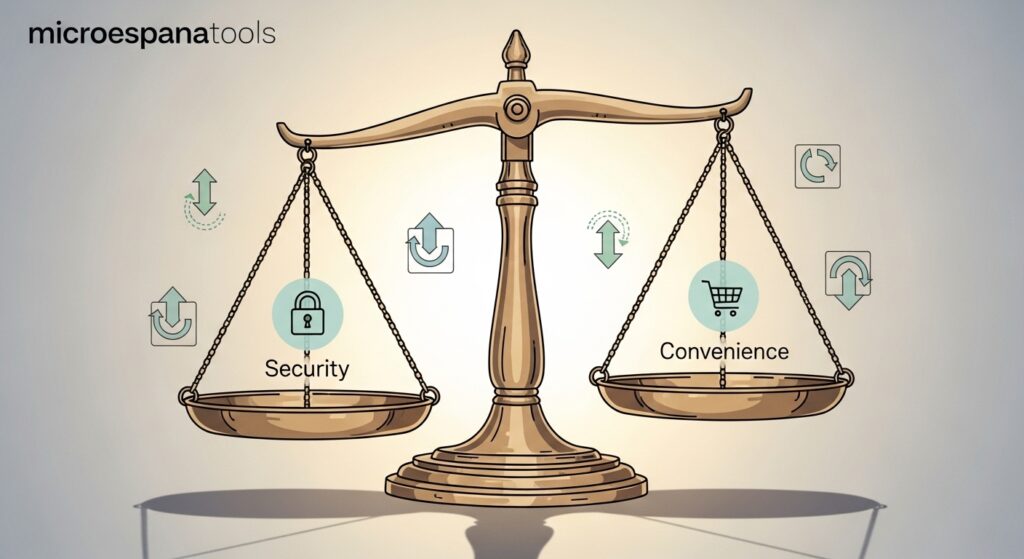
Figure 4: Strategic Update Management
Processes and Best Practices in Program Updating
Good update routines depend on clear processes that protect data and reduce risks. Many users back up important files before updating to prevent data loss. Creating organized workflows helps avoid mistakes during installation and improves consistency across multiple devices.
Many American users improve reliability by following structured steps that include pre-update checks, backup data, and careful testing updates before applying major changes. These steps help avoid system crashes, compatibility problems, and failed installations that might disrupt work.
Best Practices for Managing Software Updates
Successful update management requires steady attention to current versions, release notes, and update schedules. Keeping track of update cycles ensures users never fall behind when new protections appear. This approach preserves system stability, strengthens privacy, and prevents growing vulnerabilities.
Many experts recommend reviewing update histories, checking security notes, and using reliable internet connections when installing changes. These simple habits keep devices prepared for modern threats and prevent unexpected errors that affect daily routines.
Ensuring Business Continuity with Regular Software Updates
Businesses rely heavily on consistent updates to maintain operations, protect revenue, and respond to digital risks. Many companies use updates to prevent downtime caused by software vulnerabilities, equipment failures, and outdated tools. Reliable update strategies support long-term business continuity and protect critical resources.
Failing to update exposes companies to compliance risks, regulatory compliance challenges, and possible non-compliance fines that harm reputation. Updated systems respond faster, stay secure longer, and support modern workflows that keep operations running smoothly across the USA.