

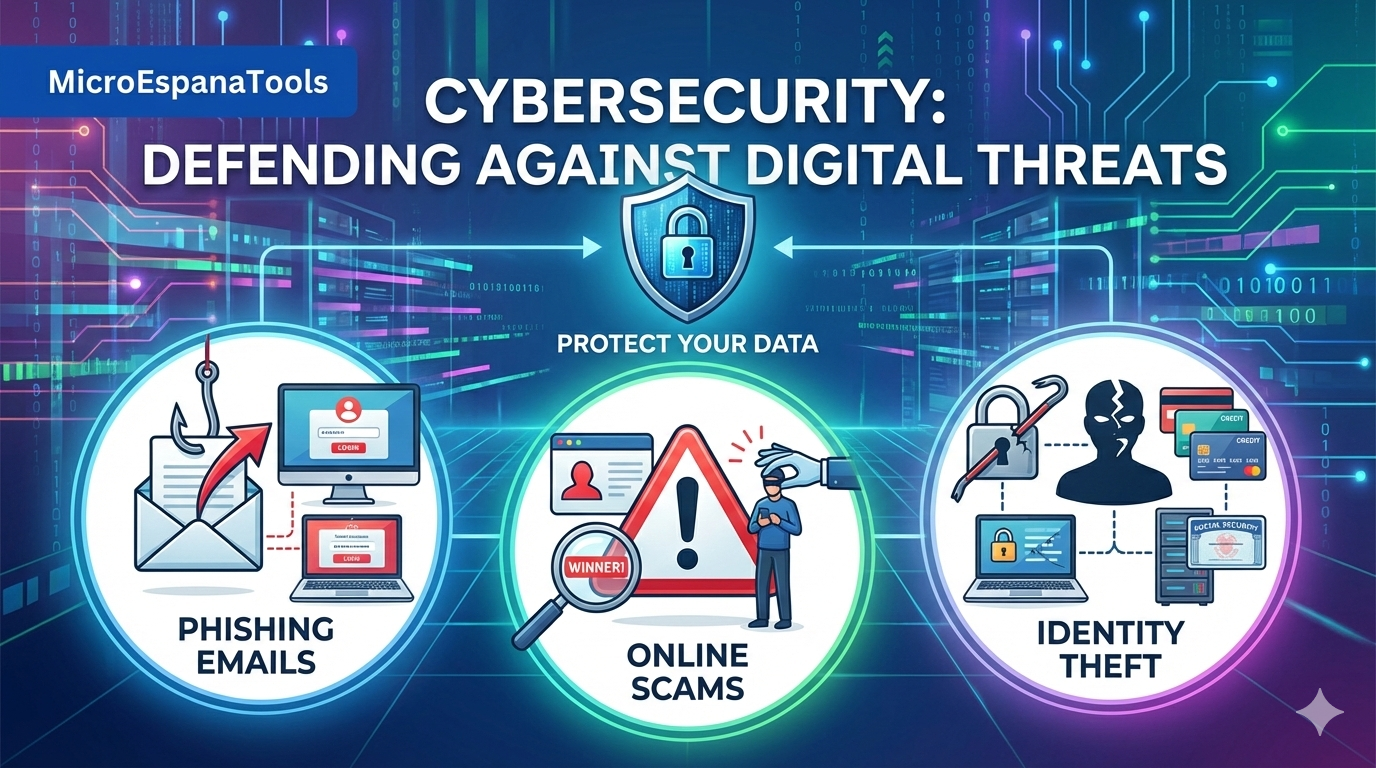
How to Detect Phishing Emails and Online Scams
It is essential to detect phishing emails and online scams in today’s digital world, where cyber criminals constantly find new ways to trick people. Phishing emails often appear to be from legitimate sources but are designed to steal your personal information, such as passwords, credit card details, or Social Security numbers. These email scams can be very convincing, using urgent messages, fake logos, and seemingly authentic links to lure victims.
By learning to recognize fraudulent messages, suspicious attachments, and odd URLs, you can protect yourself from becoming a victim of online fraud. Awareness and caution are the first steps in maintaining strong email security.
Phishing scams are growing smarter every year. Cybercriminals constantly change tactics to evade detection. Fraudulent messages now appear in email, text, and even phone calls. They often exploit fear, urgency, or curiosity to get users to act impulsively. Recognizing the patterns behind phishing attacks helps you stay safe, secure your accounts, and avoid becoming a victim of identity theft.
How to Spot a Scam Email, Text Message, or Call
Spotting scam emails, texts, or calls starts with awareness. Most scam emails create pressure, asking for immediate action or personal details. Scammers rely on speed because it prevents careful reading. When you receive unexpected messages that demand quick responses, it is often a warning sign of phishing attacks.
Phone calls and text messages often mimic this same style. Attackers pretending to be banks, government agencies, or delivery companies attempt to exploit trust. Social engineering attacks like these rely on sounding official and urgent. Taking a pause to verify the sender, checking links, or calling the company directly can prevent exposure to online fraud and keep your information safe.
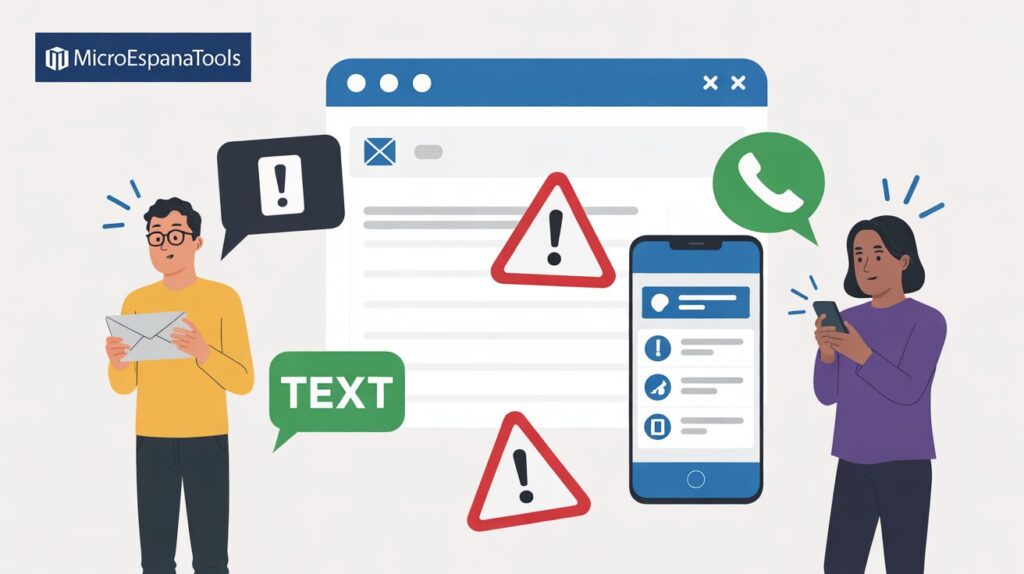
Figure 1: Identifying Scam Indicators
What Is Phishing and How Does It Work?
Phishing is a form of digital deception where attackers send fraudulent messages pretending to be trusted organizations. According to the phishing definition by FTC, these messages trick recipients into sharing sensitive data, such as passwords, credit card information, or social security numbers. Phishing attacks are among the most common cyber security threats in the United States today.
Attackers often copy official logos, templates, and writing styles of legitimate companies. They create malicious emails that look real and may include attachments or links that install malware. Phishing is not limited to email; it also spreads through social media, messaging apps, and SMS. Learning the mechanics of phishing helps improve email security and reduces the risk of becoming a victim of online fraud.
The Psychology Behind Phishing Attacks
Scammers rely on human behavior to succeed. Fear, urgency, and curiosity often drive quick decisions without careful thought. Techniques like spear phishing and whaling target specific individuals or organizations, using personal details to appear convincing. Many attacks use language that seems tailored to you, creating trust and bypassing caution.
Messages often use emotional manipulation, including promises of money, threats of account suspension, or urgent deadlines. Recognizing these techniques helps you verify sender identity and resist pressure from malicious cyber criminals.
Quick Phishing Checklist: Is This Email a Scam?
Having a mental checklist saves time and protects your data. When reviewing an email, ask yourself questions like: Was I expecting this message? Does the sender seem legitimate? Are there attachments I did not request? Clicking fake email links without thinking can compromise your accounts.
Hovering over links to check the URL before clicking is a simple yet effective habit. Look for subtle spelling errors or unusual domains. Many phishing scams use public or altered domain names that look legitimate but are slightly different.
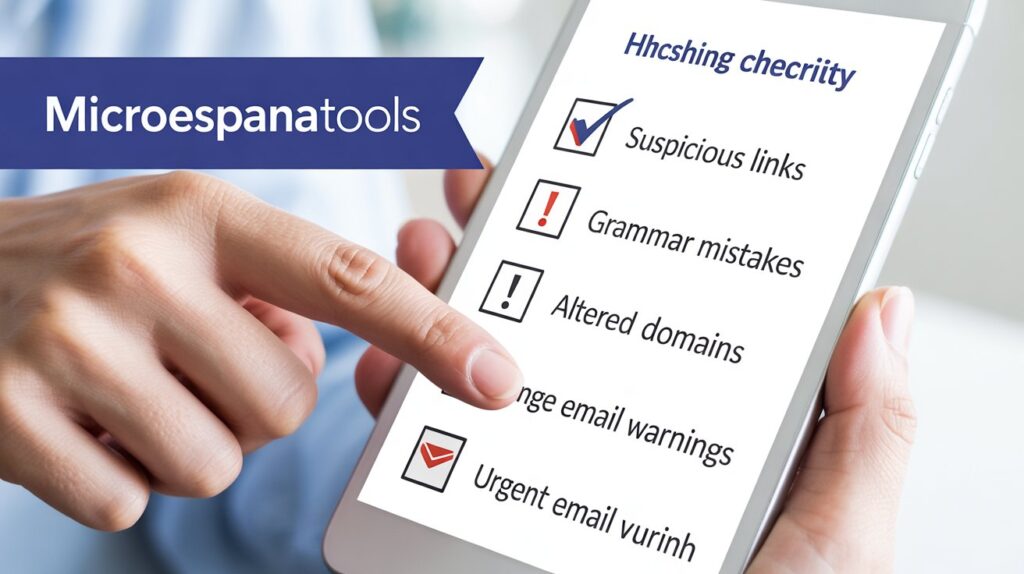
Figure 2: Phishing Detection Checklist
The Sender Uses a Public or Suspicious Email Domain
Many phishing emails come from free email services or strange domains instead of official company addresses. Recognizing public or altered domain names is key to spotting scams. Banks, tax offices, and large companies rarely use generic email domains, so mismatches are a clear warning sign.
The Domain Name Is Slightly Altered
Scammers often make tiny changes to domain names, such as swapping letters, adding symbols, or using similar-looking characters. These small alterations create fake emails that appear genuine at first glance. Carefully checking the spelling of a domain and hovering over links before clicking is a practical defense.
Poorly Written Messages and Grammar Mistakes
Many phishing scams include spelling and grammar errors in emails. The text may feel rushed, awkward, or slightly off. These mistakes are often signs that the message is a fraudulent message rather than a legitimate communication.
Malicious Links or Attachments in Emails
Attachments and links are common ways phishing attacks succeed. Suspicious email attachments can contain malware, spyware, or ransomware that compromise your device silently. Clicking on fake email links can redirect you to cloned websites where attackers steal credentials.
Urgency, Fear, or Threatening Language
Many phishing emails rely on urgency to push recipients into action. Threats of lost money, account suspension, or legal issues are frequent in account deactivation scam messages. These urgent email warnings are meant to trigger fear and reduce rational thinking.
Example Phishing Emails You Should Know
Phishing emails often follow predictable patterns. Fake delivery notifications claim missed packages, while banks request urgent account verification. Messages promising refunds or prizes often hide too good to be true offers that lead to malicious emails.
| Message Theme | Common Claim | Real Risk |
|---|---|---|
| Bank Alert | Account locked | Credential theft |
| Delivery Notice | Missed package | Malware download |
| Refund Offer | Unexpected money | Financial fraud |
Recognising Online Scams Across Platforms
Phishing attacks are not limited to email. Social media, messaging apps, job boards, and marketplaces host phishing scams every day. Job postings requesting upfront fees, romance scams exploiting emotions, and marketplace fraud asking for off-platform payments are all common. Awareness across platforms ensures that fraudulent messages are recognized regardless of where they appear.
How to Report Suspicious Emails, Messages, or Calls
Reporting phishing emails is essential to stop scams. Forward suspicious messages to email providers and report them to the Federal Trade Commission at https://reportfraud.ftc.gov. Many companies also offer reporting tools to alert them of malicious cyber criminals attempting phishing scams.
Protect Yourself and Make Yourself a Hard Target
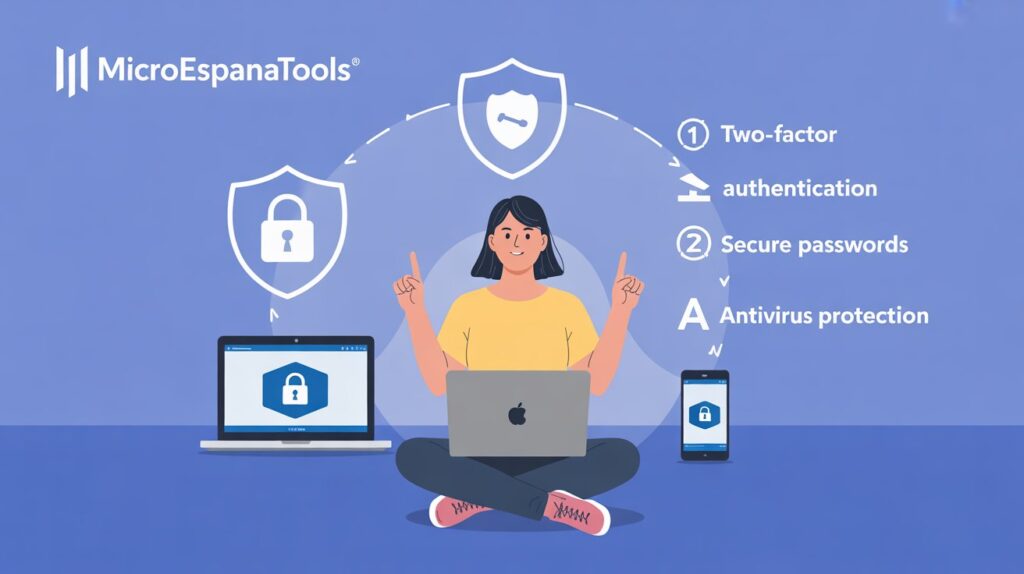
Figure 3: Personal Defense Strategy
Protecting yourself starts with strong habits. Use unique passwords, enable two-factor authentication, and avoid sharing personal details unnecessarily. Staying educated about how to spot phishing messages strengthens defenses.
Awareness and consistent vigilance make it harder for attackers to succeed. Users who actively monitor for phishing emails, email scams, and suspicious activity reduce the chance of becoming victims and help create a safer digital environment.
FAQ
How can I quickly tell if an email is a phishing attempt?
You can spot phishing emails by checking for suspicious email attachments, fake email links, poor grammar, and slightly altered domain names. Always hover over links to check URL before clicking, and verify sender identity if the message seems unusual or urgent. Avoid opening unexpected attachments or responding to messages asking for personal information.