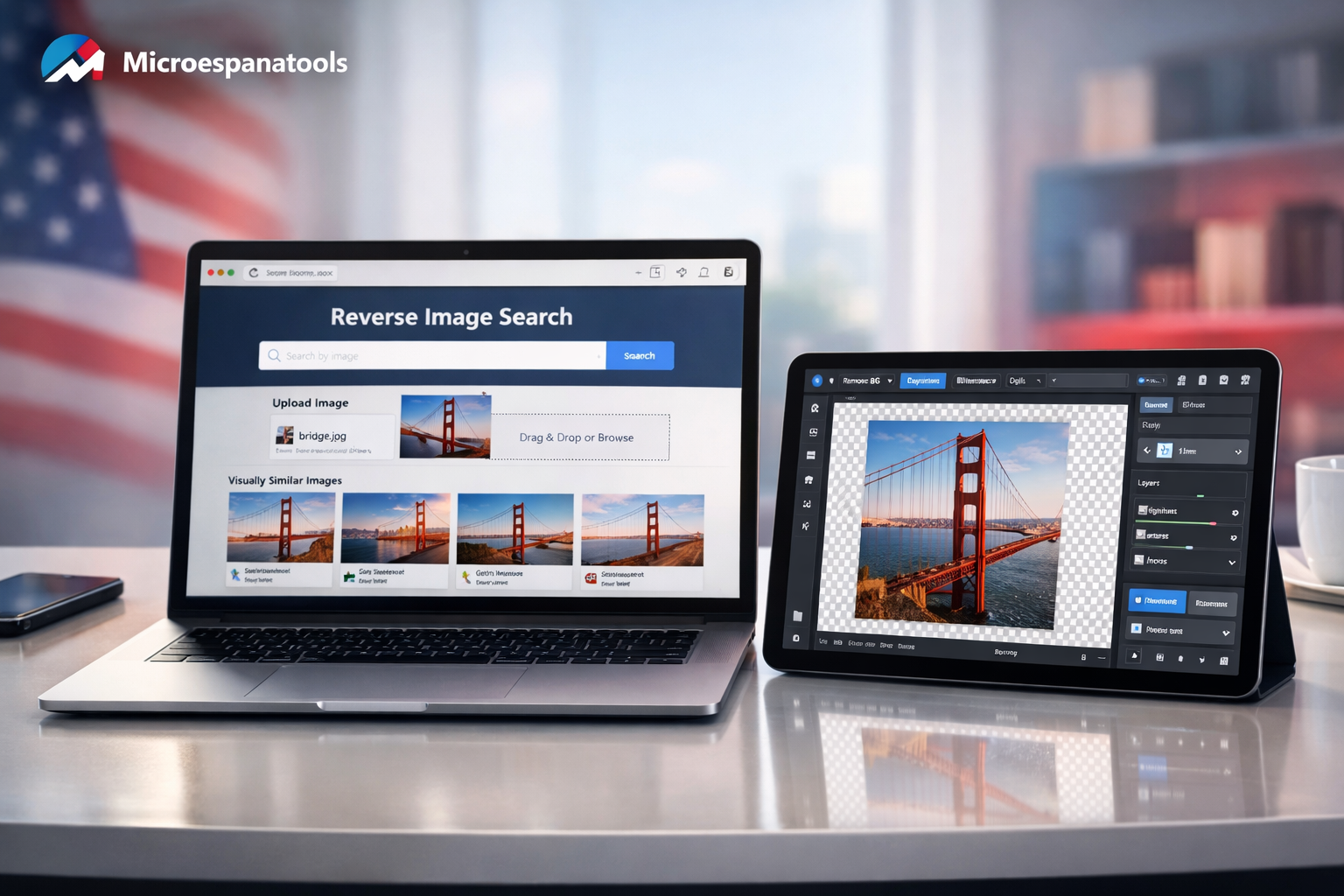
Finding the right visuals shouldn’t feel like solving a puzzle. Yet many platforms demand accounts, payments, or complicated software downloads before you can even test a feature. That’s where Online Image Search & Editing Tools make a real difference. These web-based solutions allow you to search for similar images, enhance photos, resize graphics, and remove backgrounds instantly. Whether you’re a blogger, student, marketer, or small business owner, tools that combine reverse image lookup, photo editing software online, and quick background removal tools save both time and effort. With smarter AI-powered image editors now built directly into browsers, creating polished visuals has never been easier or more accessible.
If you’re looking for Online Image Search and Editing Tools that work instantly without creating an account, this guide will save you hours. You’ll discover powerful platforms that let you search, edit, enhance, and optimize images freely.
Why Free Online Image Search and Editing Tools Matter in 2026
Digital work moves fast. You don’t want to pause creativity just to verify an email. The best Online Image Search and Editing Tools remove friction and let you edit immediately.
Free tools also protect privacy. No signup means no stored passwords, fewer tracking risks, and faster access. For freelancers and small businesses, this simplicity makes daily workflows smoother.
What Makes a Great Online Image Search and Editing Tool?
Strong tools combine speed with usability. They should allow reverse image lookup, resizing, cropping, background removal, and format conversion in seconds.
The best platforms support PNG, JPG, WebP, and even SVG files. They also run directly in your browser, meaning no heavy software downloads.
Top Free Online Image Search and Editing Tools (No Account Needed)
Below is a comparison of powerful platforms that require no signup.
|
Tool Name
|
Main Strength
|
Reverse Search
|
Editing Features
|
Signup Required
|
|
Google Images
|
Reverse search accuracy
|
Yes
|
No editing
|
No
|
|
TinEye
|
Duplicate detection
|
Yes
|
No editing
|
No
|
|
Photopea
|
Advanced editing
|
No
|
Full editor
|
No
|
|
Pixlr X
|
Quick edits
|
No
|
Yes
|
No
|
|
Fotor
|
Basic enhancement
|
No
|
Yes
|
Optional
|
|
Remove.bg
|
Background removal
|
No
|
Limited
|
No
|
Google Images – Best for Reverse Image Lookup
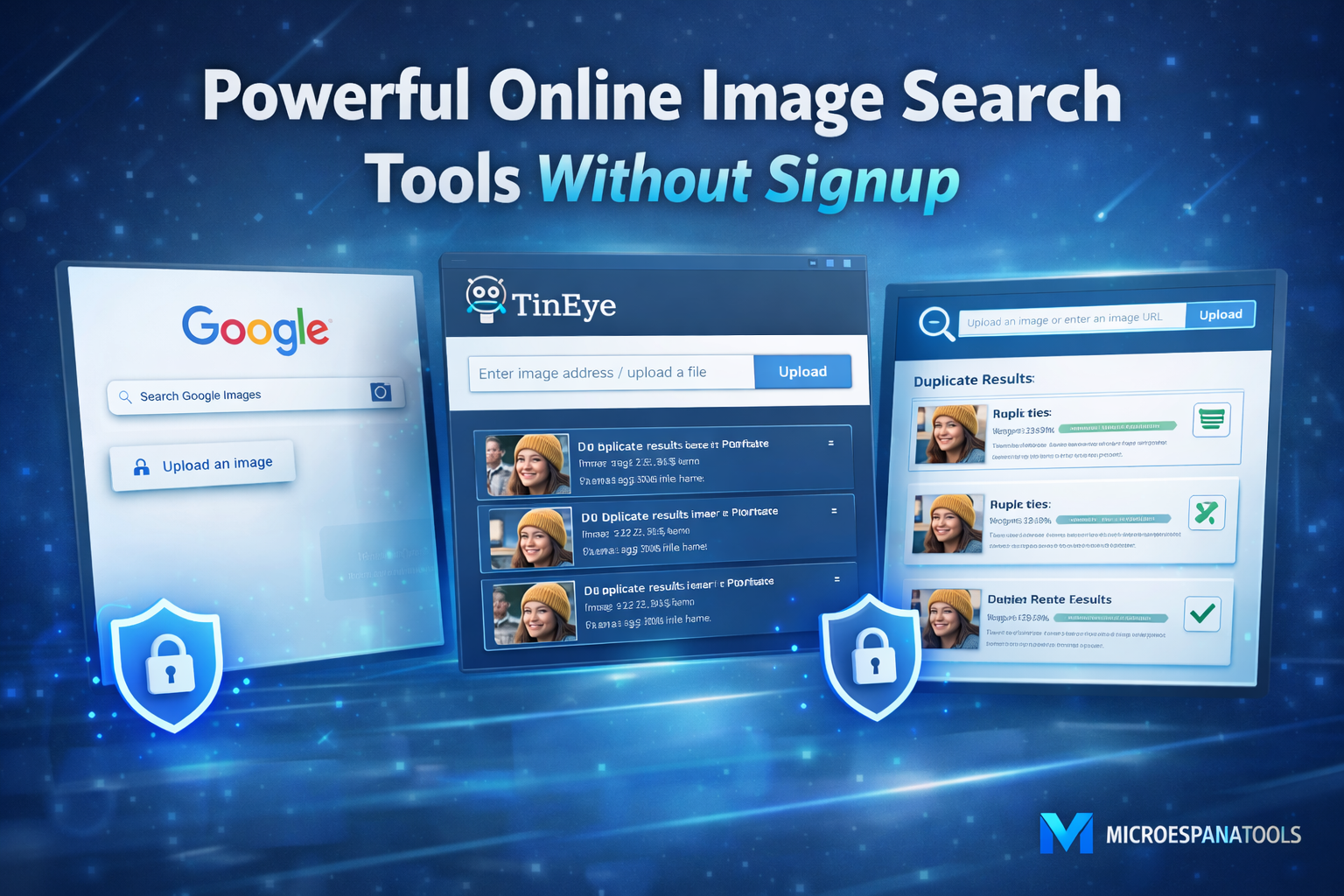
Google Images remains the strongest reverse image engine. You can upload a file or paste a URL. Results show similar images across the web.
Visit: https://images.google.com
It works instantly and supports drag-and-drop uploads. However, it focuses on searching rather than editing.
TinEye – Accurate Duplicate Image Finder
TinEye specializes in finding where an image appears online. It’s useful for tracking copyright use or detecting fake profiles.
Visit: https://tineye.com
It doesn’t offer editing tools. Yet for verification purposes, it’s extremely reliable.
Photopea – Powerful Photoshop Alternative Online
Photopea feels like desktop software. It supports PSD files, layers, smart objects, and advanced filters.
Visit: https://www.photopea.com
You don’t need to register. Just open the site and start editing. For serious design tasks, it rivals paid software.
Pixlr X – Quick and Easy Editing
Pixlr X works perfectly for fast adjustments. Crop, resize, add text, or apply filters within seconds.
Visit: https://pixlr.com
Its interface feels clean and beginner-friendly. Ideal for bloggers who need quick social media graphics.
Remove.bg – Instant Background Removal
Remove.bg removes image backgrounds automatically using AI.
Visit: https://www.remove.bg
Upload your image. Download a transparent PNG. No manual masking required.
Best Tool by Use Case
Different tasks require different tools.
|
Use Case
|
Recommended Tool
|
|
Reverse image search
|
Google Images
|
|
Copyright tracking
|
TinEye
|
|
Professional editing
|
Photopea
|
|
Quick social graphics
|
Pixlr
|
|
Background removal
|
Remove.bg
|
Choosing the right Online Image Search and Editing Tools depends on your goal. Some specialize in discovery. Others focus on transformation.
Advantages of No-Signup Image Tools
No login reduces privacy risks. You avoid unnecessary data collection. Work begins instantly.
You also skip password fatigue. For quick edits or searches, that convenience matters more than advanced premium features.
Limitations to Consider
Free tools may include ads. Some limit export quality. Others restrict advanced AI features.
Still, for everyday needs, these Online Image Search and Editing Tools provide more than enough power without cost.
Tips to Use Online Image Search and Editing Tools Safely
Always verify image licensing before commercial use. Just because an image appears in search doesn’t mean it’s copyright-free.
Compress large files before uploading sensitive content. While most platforms process images client-side, privacy awareness still matters.
Future of Online Image Search and Editing Tools in 2026
AI editing keeps improving. Background removal, object cleanup, and upscaling now happen in seconds.
Soon, browser-based editing may replace heavy desktop software completely. The rise of smarter Online Image Search and Editing Tools will continue shaping digital content creation.
Final Thoughts
Free platforms have become surprisingly powerful. You no longer need subscriptions for everyday tasks.
By choosing the right Online Image Search and Editing Tools, you can search, edit, and enhance images instantly without signup barriers. Simple. Fast. Effective.
FAQ
Q1: Do I really need no signup to use these Online Image Search and Editing Tools?
Yes. Tools like Google Images and TinEye allow reverse searches without accounts. Similarly, editors such as Photopea and Pixlr work instantly in your browser.
Q2: Are no-signup tools safe to use?
Most reputable platforms process files client-side or with minimal storage. However, avoid uploading sensitive documents or copyrighted material you don’t own. Always check each service’s privacy policy.
Q3: Can I edit professional graphics without desktop software?
Yes. Tools like Photopea offer layer support and PSD compatibility, making them strong alternatives to desktop software. They are ideal for web graphics, social media assets, and quick design tasks.
Q4: Which tool is best for reverse image search?
For accuracy, Google Images excels at broad web matching. TinEye specializes in duplicate detection and copyright tracking. Use both for comprehensive results.
Q5: Do these tools support high-quality exports?
Most allow PNG and JPG downloads. However, free tiers may limit resolution. For commercial projects, verify output quality before publishing.
Q6: Is background removal free?
Services like Remove.bg provide free credits and instant results. Advanced features may require paid plans, but basic tasks remain free.
Q7: What file formats work best online?
PNG preserves transparency and quality. JPG is lighter for photos. WebP offers modern compression. Choose formats based on usage.
Q8: Can I use edited images commercially?
Only if you own the rights or the image is royalty-free. Editing does not grant ownership. Always review licensing terms.
Q9: Do I need internet after editing?
Most tools operate online. Once edits finish, downloaded files work offline. No ongoing connection is required.
Q10: What if a tool doesn’t work in my browser?
Update your browser, disable conflicting extensions, or try another platform. Modern tools support Chrome, Firefox, and Edge.