


General
Secure File Sharing Methods to Keep Your Data Safe Online
Microespana Admin
January 13, 2026
In today’s digital world, sharing files online has become a daily necessity for businesses and individuals alike. However, as data moves across networks and cloud platforms, the risk of unauthorized access and cyber threats continues to grow. This makes secure file sharing essential for protecting sensitive information such as financial records, legal documents, and personal data. By using reliable, secure file transfer solutions, applying strong encryption, and setting proper access controls, users can greatly reduce security risks. Modern document security practices focus on preventing data breaches while allowing smooth collaboration. Understanding the most effective secure file sharing methods helps ensure that information remains private, protected, and accessible only to authorized users in an increasingly connected online environment.
Modern threats target careless sharing habits. Hackers look for weak links in online file sharing security, not just expensive systems. By choosing safer methods, applying file sharing best practices, and using the right tools, you can keep files protected while still working fast and smart.
What Is Secure File Sharing?
At its core, secure file sharing means sending and receiving files while preventing unauthorized access. It relies on strong secure file transfer protocols, encryption, and strict controls. Files stay protected during upload, storage, and download, which supports long-term document security and trust.
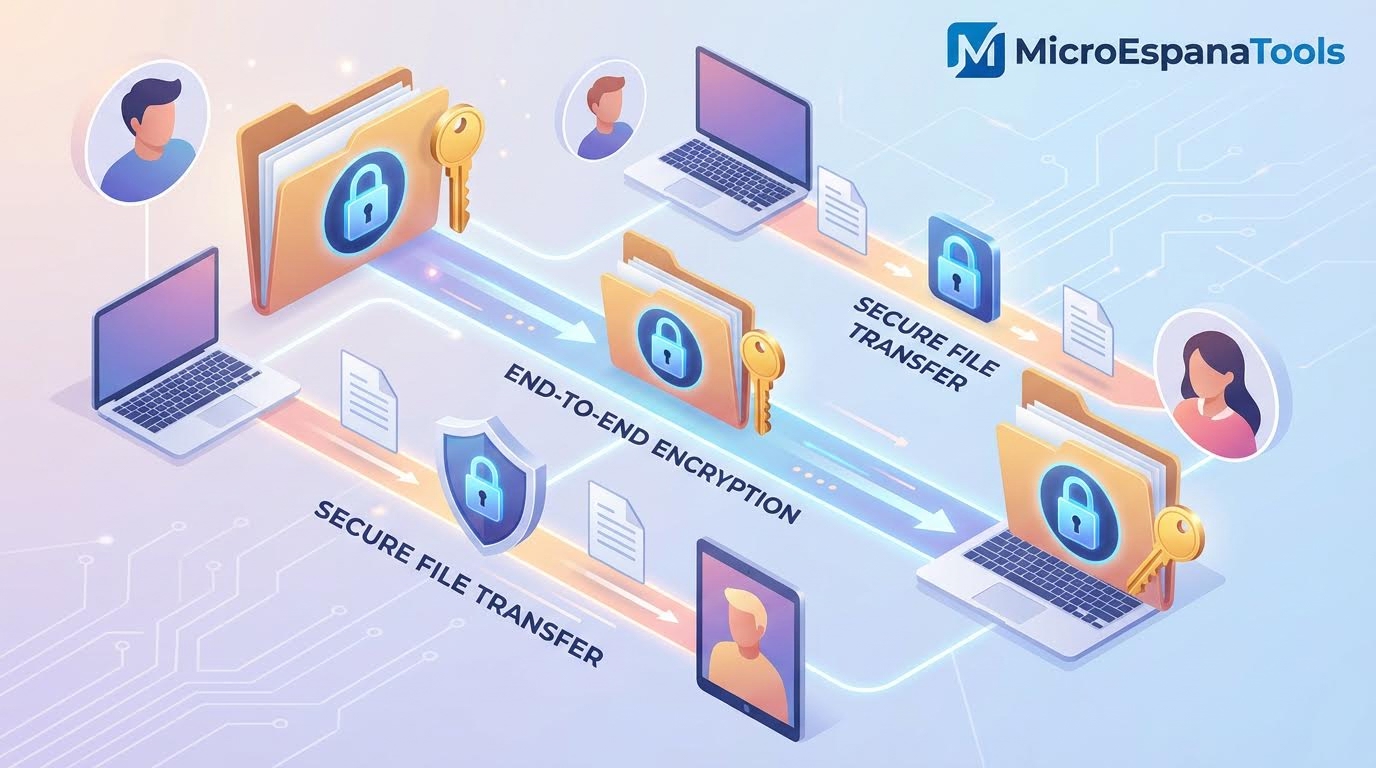
In practical terms, secure document sharing uses encrypted file sharing and end-to-end encryption. Even if data is intercepted, it remains unreadable. This approach supports secure online collaboration while ensuring protecting sensitive business data across devices and networks.
Why Is Secure File Sharing Important for Businesses?
Businesses in the US face rising cybersecurity threats to file sharing. A single breach can expose customer data, contracts, or financial records. Strong business file sharing security reduces legal risk and helps maintain client confidence.
Regulations also play a role. Industries handling health, legal, or financial information depend on legal and financial data protection. Using secure file sharing services supports compliance while preventing data breaches in cloud storage that damage reputations and revenue.
Types of File Sharing Methods
File sharing methods range from email attachments to advanced platforms. Older methods lack file access control and leave files vulnerable. Modern approaches focus on secure data transfer solutions designed for safe use at scale.
| Method | Security Level | Risk Summary |
| Email attachments | Low | Easy target for leaks |
| Public links | Medium | High public link sharing risks |
| Secure platforms | High | Controlled and encrypted |
Choosing the right method determines how well how to keep sensitive data can be kept secure online becomes a reality rather than a promise.
Local File Sharing vs Online File Sharing
Local sharing uses USB drives or internal networks. While simple, it increases loss and theft risks. Online methods with secure cloud storage offer controlled access and visibility across teams.
Online solutions improve secure digital document management. They support logging, permissions, and real-time monitoring, which helps reduce file sharing vulnerabilities that often go unnoticed.
Encrypted File Sharing Methods
Encryption converts readable data into coded text. Client-side encryption ensures files are encrypted before leaving your device. Only users with private encryption keys can unlock them.
This approach blocks unauthorized access even during malware and ransomware attacks. When paired with end-to-end encryption, it becomes one of the safest ways to manage secure file sharing.
Problems with Common File-Sharing Solutions
Many popular tools were built for convenience, not security. Problems with common file-sharing solutions include weak controls and limited encryption. These gaps expose organizations to silent leaks.
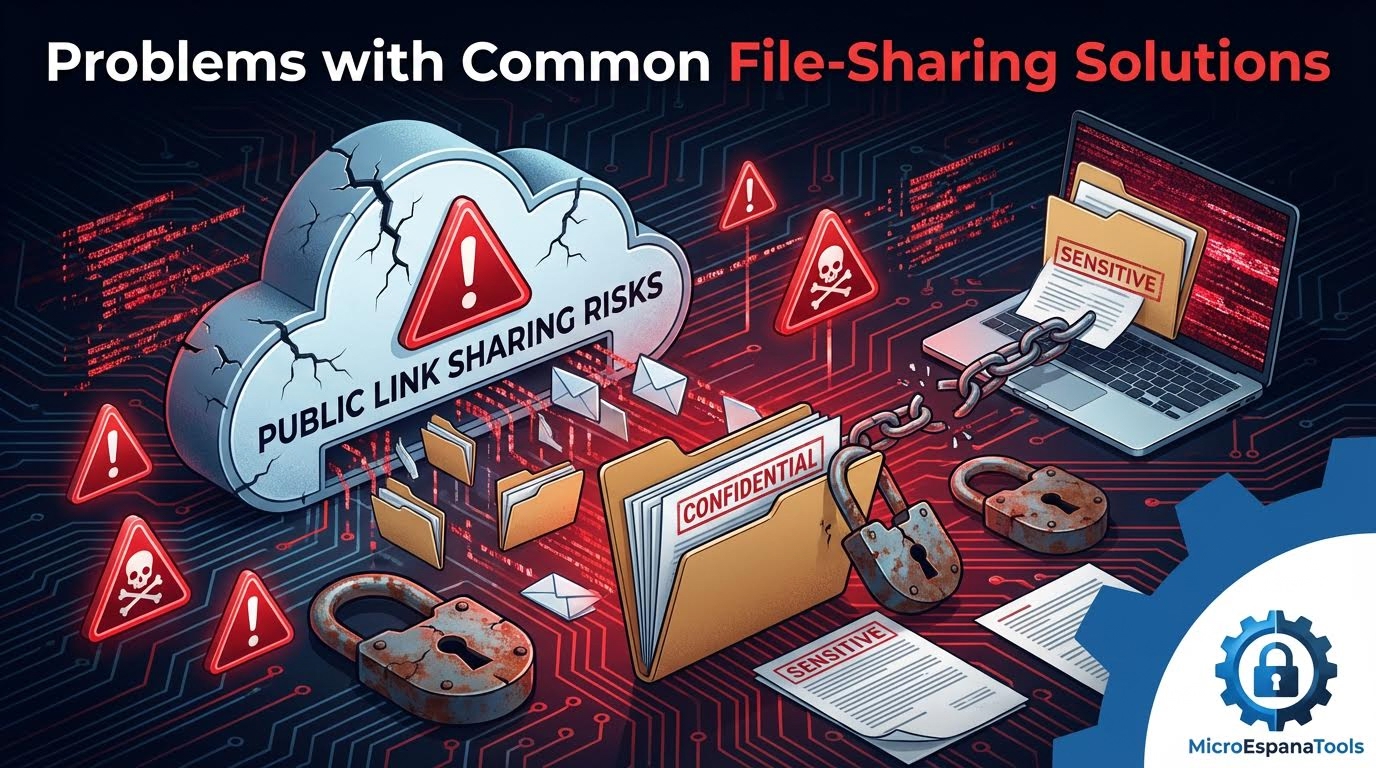
Well-known concerns, such as Dropbox security issues and Microsoft Teams file sharing security limits, highlight the danger of relying on defaults. Combined with cloud-based file sharing risks, these tools can invite serious trouble.
Why Use Secure File Sharing Instead of Free Tools?
Free tools often monetize data or lack strong protections. They rarely offer password protection for files or advanced permission-based file access. Over time, these weaknesses grow costly.
Professional platforms focus on adopting secure file transfer solutions that scale safely. They reduce exposure to phishing attacks in businesses and support long-term enterprise file sharing needs.
What to Look for in a Secure File Sharing Solution
A strong solution blends usability with safety. It should support two-factor authentication for file sharing, access logs, and real-time alerts. These features protect files without slowing work.
| Feature | Why It Matters |
| Encryption | Prevents interception |
| Access control | Limits exposure |
| Audit logs | Tracks activity |
Together, these elements strengthen secure document collaboration and reduce human error.
Security Features That Matter Most
Encryption remains essential, but control matters too. Implementing encryption measures without oversight leaves gaps. Strong file access control ensures only approved users reach sensitive files.
Features like expiration dates and watermarking support safe ways to share files online. These tools quietly reinforce secure file sharing without constant supervision.
Compliance and Legal Requirements in the USA
US laws demand accountability. Healthcare, finance, and legal sectors rely on audited systems. Tools that support secure cloud storage and compliance protect against fines.
A virtual data room (VDR) often serves mergers and legal cases. It combines monitoring, encryption, and secure document sharing for regulated environments.
Best Practices for Secure File Sharing
Good habits matter as much as tools. Following best practices for secure file sharing reduces risk daily. Regular updates and access reviews prevent outdated permissions.
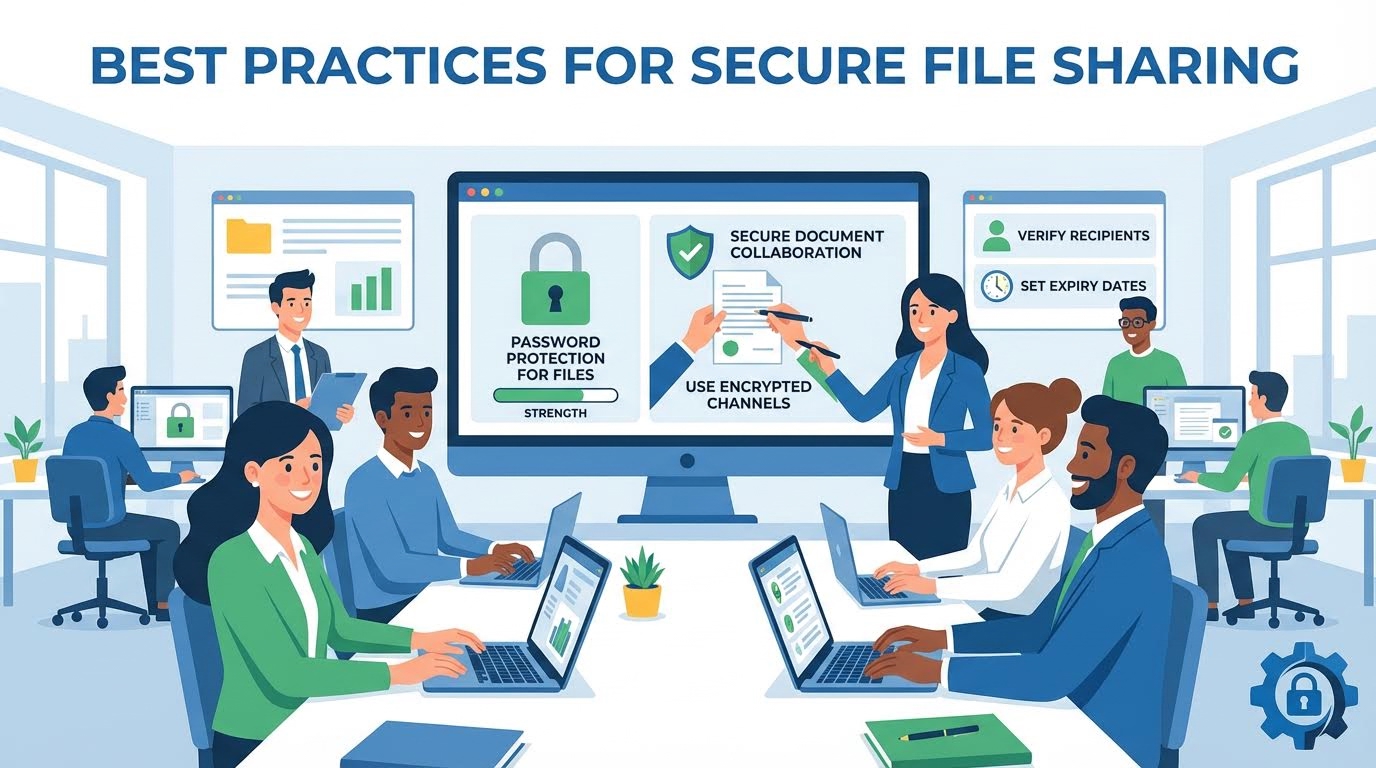
Training teams to spot threats strengthens business file-sharing security. Simple awareness reduces exposure to phishing attacks in businesses and accidental sharing errors.
10 Essential Secure File Sharing Tips You Can’t Ignore
Strong passwords, verified recipients, and limited access windows protect files. Each step reinforces secure file sharing without adding friction.
These habits support large file sharing securely and prevent misuse. Over time, consistency builds a culture focused on secure online collaboration and trust.
Using Cloud-Based Secure File Sharing Services
Cloud platforms dominate modern workflows. When configured correctly, cloud file sharing security offers resilience and flexibility. Files remain accessible without sacrificing safety.
However, ignoring settings invites risk. Proper configuration reduces cloud-based file sharing risks and protects against data breaches in cloud storage.
Secure File Sharing for Small Businesses
Small businesses face the same threats with fewer resources. Affordable, secure file sharing for small businesses now exists. They offer enterprise-grade protection at a manageable cost.

Using managed platforms simplifies secure digital document management. This approach shields growing companies from cybersecurity threats to file sharing early on.
Training Users for Safe and Secure File Sharing
People cause most breaches. Training reduces mistakes that tools cannot fix. Clear guidance improves permission-based file access decisions.
Short sessions on secure data transfer solutions help teams recognize risks. Over time, awareness strengthens, protecting sensitive business data across departments.
Final Thoughts on Secure File Sharing
Safe sharing is no longer optional. Using proven secure file sharing services protects trust, revenue, and compliance. The right mix of tools and habits makes a real difference.
By focusing on secure file sharing, strong controls, and awareness, you create a safer digital environment. In a connected world, smart sharing keeps your data where it belongs.